

Webhooks
Configure outbound webhooks for segment and report events, and how to handle delivery failures.
Thrust Carbon supports sending outbound webhooks for various asynchronous requests. This means your server can be informed the moment a resource is created, updated or deleted.
Enabling a webhook endpoint
You can add a new webhook endpoint through the API menu in the Thrust Carbon task bar.
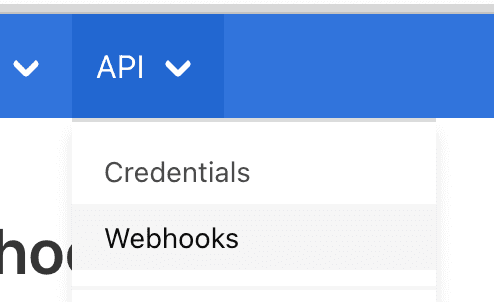
You can then edit your organisation's webhook route using the form provided:
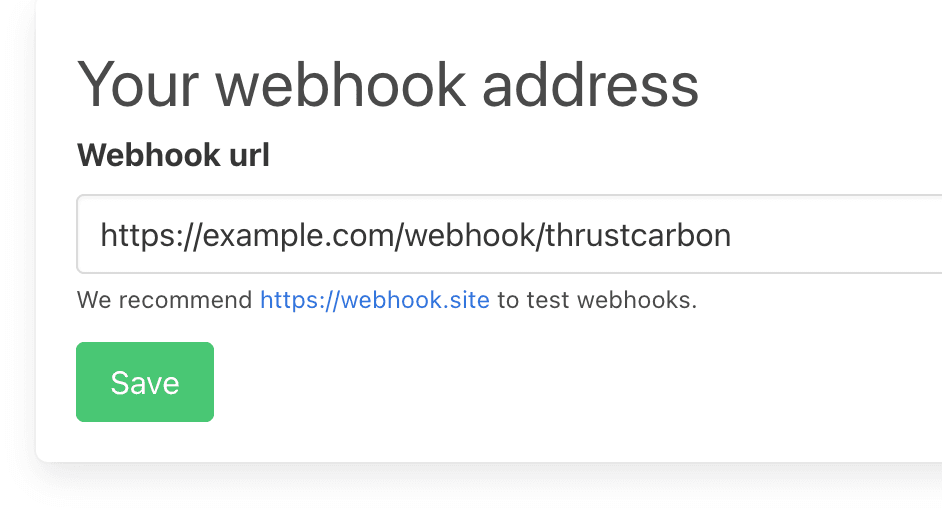
Want to test webhooks, we recommend using https://webhook.site
Required response
Thrust Carbon requires that you return a 200 response code within 3 seconds. The response body is not used.
Handling failures
In the event that your server returns a non-200 response code, Thrust Carbon will attempt to resend the payload using an exponential backoff strategy.
Payloads
New Segment
- When: Sent when a segment has been successfully added after it was requested through the Segment Add Async endpoint.
- Structure:
{
  "type": "segment.created",
  "resource": "[NEW SEGMENTS UUID]",
  "data": { [NEW SEGMENT PAYLOAD] }
}- Notes Please see Segment Payload documentation to understand the data structure.
New Report
- When: Sent when a new scheduled report has been created.
- Structure:
{
  "type": "report.completed",
  "resource": "[NEW REPORT UUID]",
  "data": { [NEW REPORT PAYLOAD] }
}- Notes Please see the Scheduled Report documentation to understand the data structure.